






Description
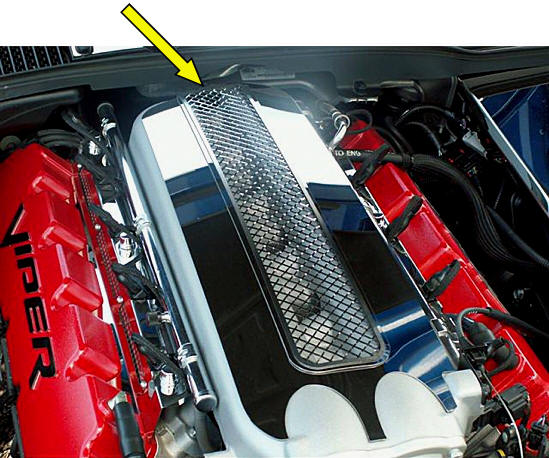
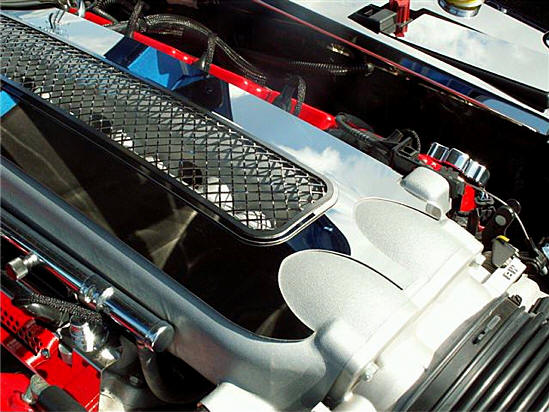
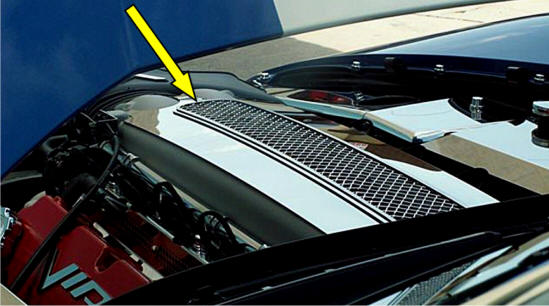
Includes the Steel Plenum Trim (ACC-973011) and ACC-973010 Insert Grille
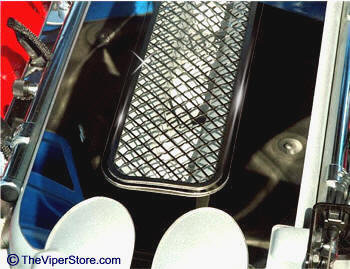
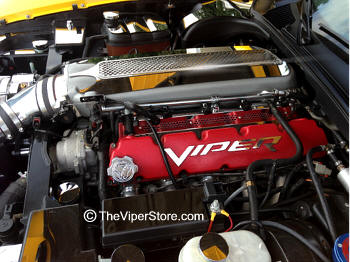
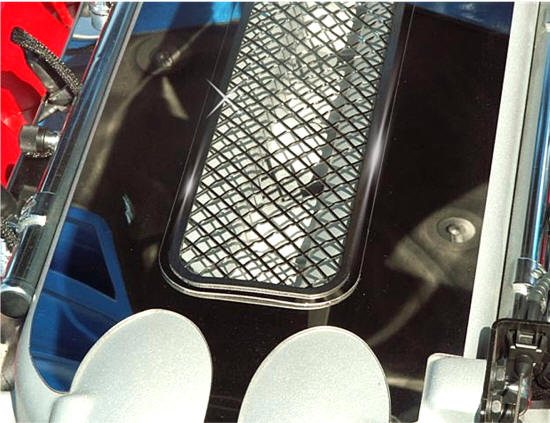
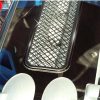
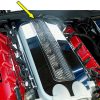
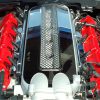
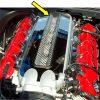
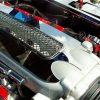
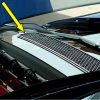
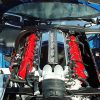
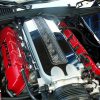
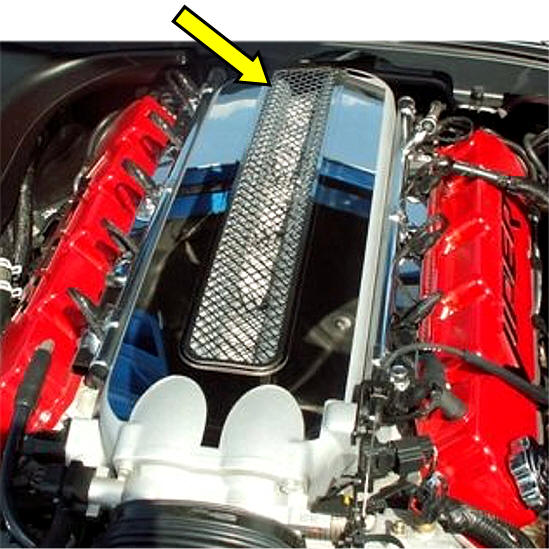
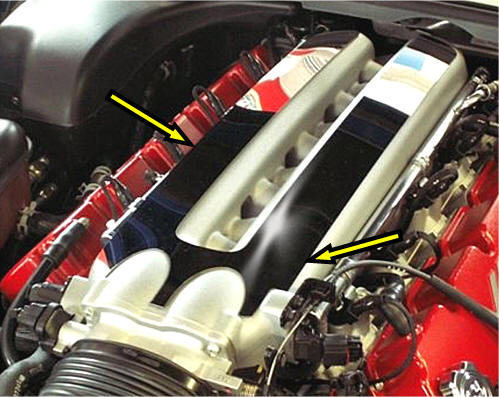
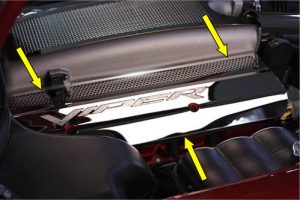
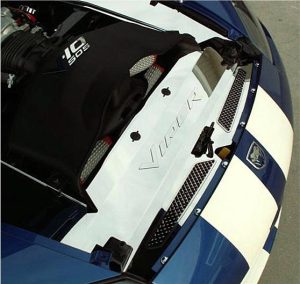
This highly polished stainless steel Viper Plenum Insert Trim and Grille Insert mounts on top of the engine manifold, over the Plenum Trim (ACC-V3PT300) shown above. The kit includes two pieces — the trim plate and the insert grille.
Installation is simple with the self-adhesive, professional-grade automotive tape on the back. Just peel and stick.
Made from heavy-duty stainless steel, it will not rust or corrode. Once installed correctly, it will stay secure and will not come off due to heat, cold, or vibration.
Note: Does not fit Viper 2008–2010 models.
SRT-10 (2003–2006) Polished Stainless Steel Plenum Insert
Part # ACC-973010
INSTALLATION INSTRUCTIONS
Parts Included:
- 1 – Plenum Laser Grille Insert
- 1 – Adhesive Promoter Packet
- 1 – Tape Test Stick Kit
- Test Fit: Without removing any liners, gently place the trim grille on top of your plenum cover trim over the engine. Position it carefully and get familiar with the mounting location.
- Clean the Surface: Wash the plenum cover trim with soap and water, then let it dry. Next, clean the mounting area with rubbing alcohol to remove any hidden oils or residue. Allow it to dry for 3–5 minutes.
- Apply Promoter: Open the promoter packet and use it to wipe the area where the trim grille will be mounted. Let it dry for about 3 minutes.
- Expose the Adhesive: Remove the red liner from the back of the trim grille to expose the adhesive surface. Hold the grille just above the plenum cover trim without touching it. Once aligned correctly, gently set it in place. Adjust slightly if needed for a perfect, straight fit.
- Secure the Trim: Press firmly along the entire surface to ensure a strong, even bond.
After installation, remove the top clear liner and clean the surface with a stainless-steel cleaner.






Reviews
There are no reviews yet.