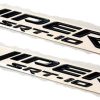
Description
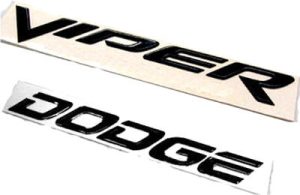
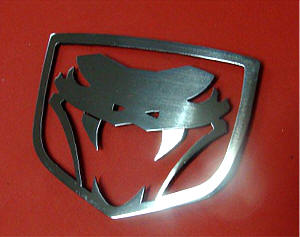
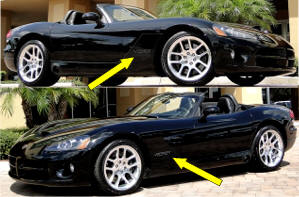
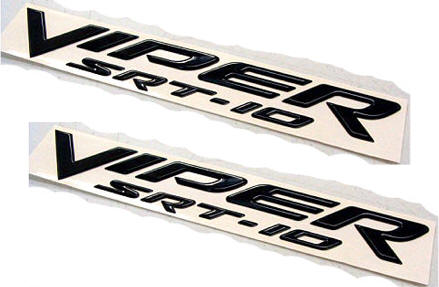
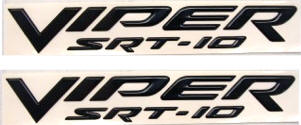
Included are two factory emblems — you’ll receive two VIPER SRT10 emblems in black.
They feature easy self-stick mounting. You get both of these fender stock emblems (one for each side).
Other Colors:
We can get any stock color. Call us for prices and availability at 352-688-8160.
Removing Old Emblem and Mounting Replacement Emblems
Mounting Instructions
- First, wash the area on the car where you’ll mount the emblems with soap and water. Then, wipe the area with rubbing alcohol to remove any oils from the paint surface. It will not harm your paint.
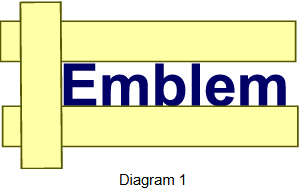
- To remove the old emblem: Use masking tape to outline the logo on the bottom, top, and left sides (not the right side). This will help you align the new emblem correctly. (See Diagram 1.)
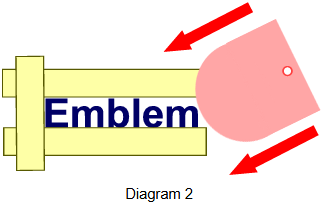
- Take the included pink scraper and carefully pry it underneath the old emblem. The tool should remove the emblem easily without scratching your paint. (See Diagram 2.)
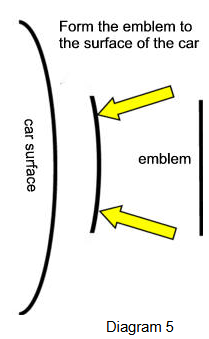
- Important: Some mounting surfaces may be curved. Gently bend the new emblem letters to match the curve of the car’s surface. Try a slight bend, then test-fit the emblem. Repeat until it fits properly. (See Diagram 5.)
- Hold the new emblem (without peeling off the backing) up to the mounting area to become familiar with the placement.
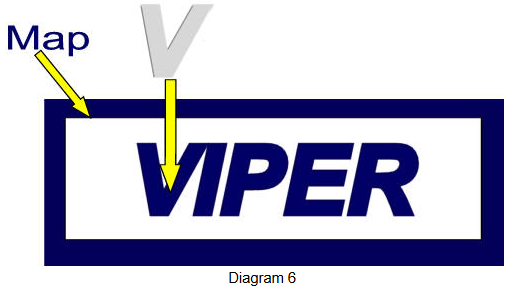
- If your emblem includes a stencil or “map,” place it over the mounting area. Insert the emblem letters into the cut-out spaces, then peel off the stencil once finished.
Note: You can also use a pencil to make small tick marks on the masking tape for the precise placement of each letter or symbol. - Once you’re satisfied with the alignment, use the included promoter packet to wipe the area with the damp towelette. This will not damage your paint.
- Peel the liner off the back of the new emblem and carefully hold it in place. Gently set it without pressing, make any fine adjustments, then press firmly across the entire surface to ensure a strong bond. Remove the masking tape. You’re done!